DISPLAY LAB / DAYLIGHT COLOR
See the color.
Shape the scene.
Adjust five Omen display controls against a bright Rust scene. Compare each look with the original screenshot as you go.
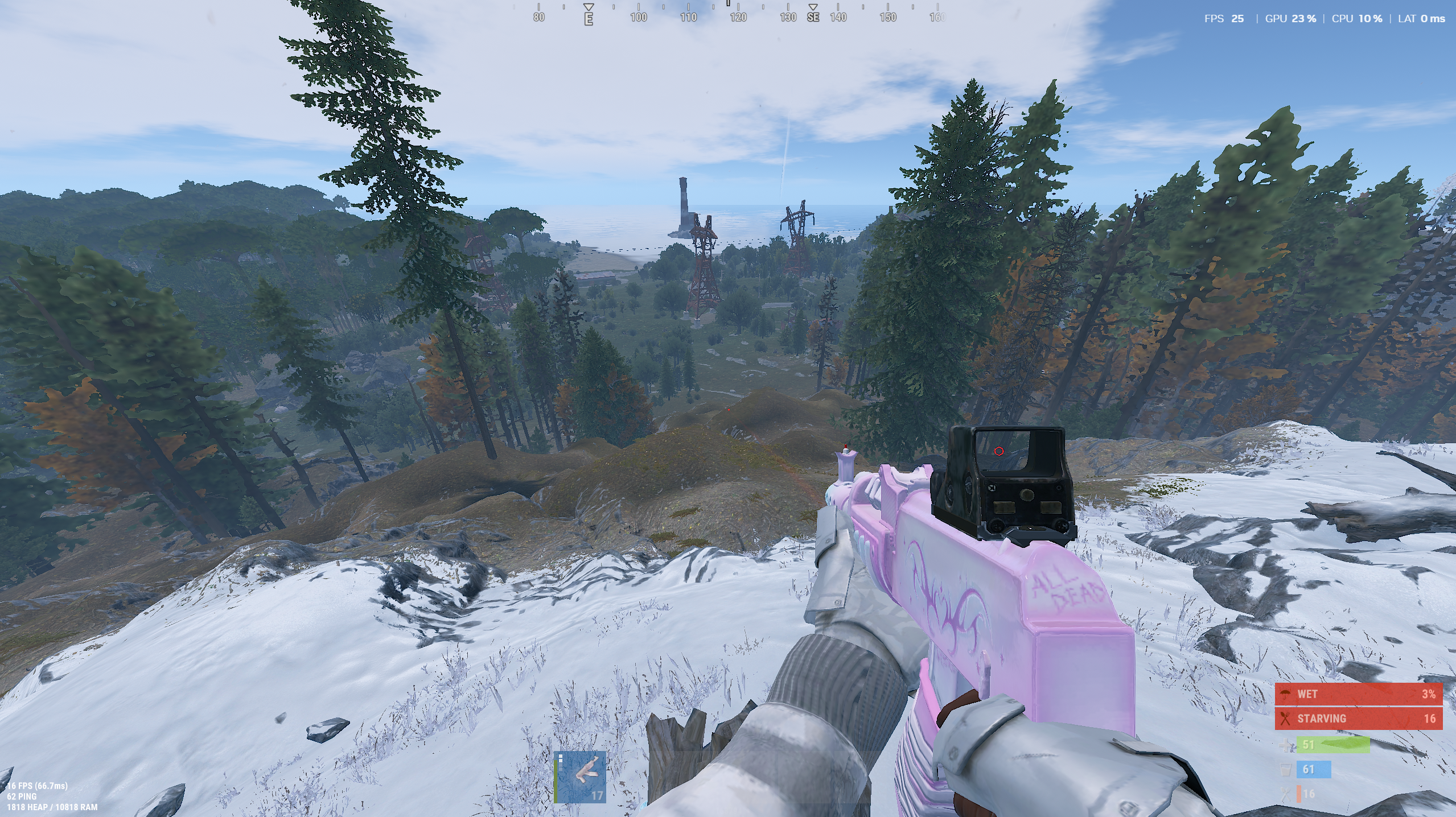 OMEN COLOR PREVIEW
Browser simulation on a Rust screenshot, not live gameplay. Your display and driver affect actual results.
THE APP'S COLOR CONTROLS
Find your
own balance.
These controls preview Omen's display color matrix. Start at neutral, then tune the scene to your taste.
The preview approximates Omen's color matrix. High settings may clip detail in bright snow or sky.